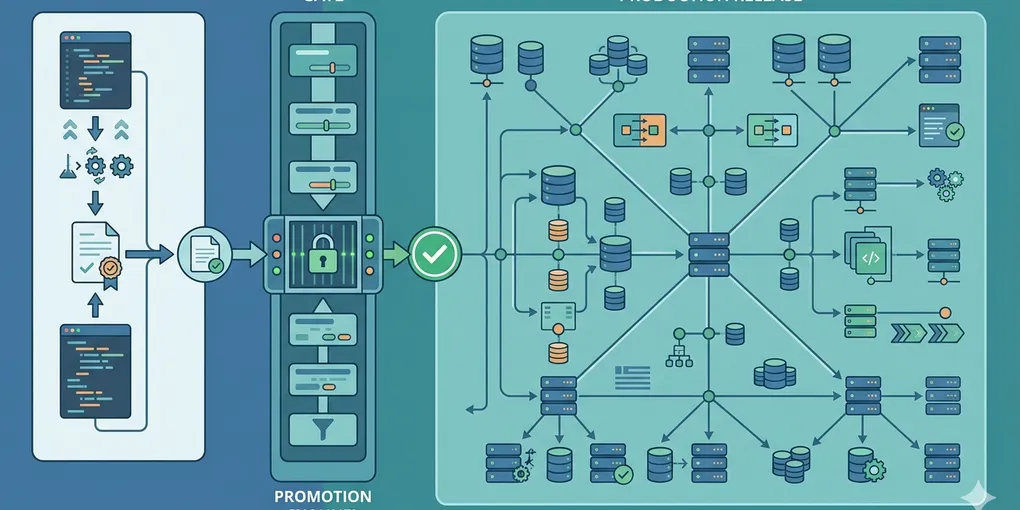
How to operate preview deployments as promotion gates
Many teams say they use preview deployments, but what they really have is a temporary link that someone clicks once before shipping. That is not a release gate. That is just a softer form of hope.
A preview deployment only becomes operationally useful when it answers one question clearly: is this build ready to be promoted to production traffic or not?
This post is about turning preview deployments into promotion gates. The point is not to create more preview URLs. The point is to make release decisions less vague.
1. The common mistake is treating preview as evidence instead of a stage
People often talk about preview as if its existence already reduces risk. It does not. A preview link only reduces risk when the team knows what must be verified there before a release moves forward.
If preview is just “looks okay on my screen,” then production still becomes the first real test. That usually means the failure shows up under real traffic instead of inside a controlled step.
2. A preview becomes valuable only when promotion criteria are fixed before the release
This is the core operating shift. The preview link should not be the destination. It should be the gate.
That means the release question changes from “did the preview build successfully?” to “did this preview clear the checks that matter for production?” Those are different questions. A build can succeed while the release should still be blocked.
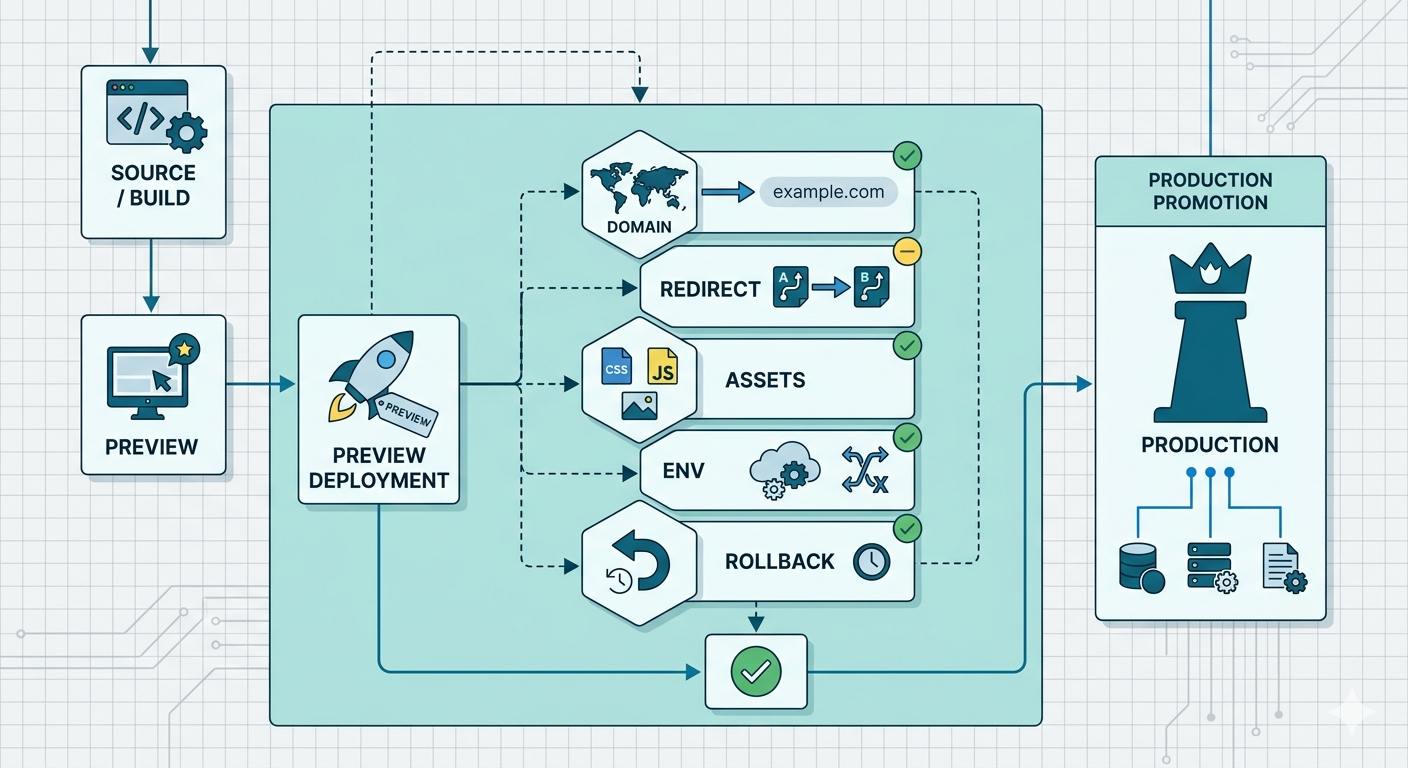
That distinction matters because many deployment failures are not build failures. They are promotion failures. The page renders, but the real domain is wrong. Redirect behavior changed. Asset paths break only outside the preview hostname. A missing environment variable does not surface until the feature path is hit. The preview exists, but the release is still unsafe.
Teams usually notice this too late because the preview stage feels like completion. The URL is live, the branch is visible, and the workflow feels almost finished. That emotional shortcut is what makes preview less useful than it should be.
A better operating habit is to define the promotion checks before the preview is even shared. Then the preview has a job. It is no longer “please look at this build.” It becomes “verify these release conditions in a safe place before production traffic sees them.”
Once a team works that way, preview stops being a courtesy link and starts becoming a release discipline. That is when the step begins saving real operational cost.
3. Decide what must be true before promotion
The exact list differs by stack, but most teams should lock a short promotion set:
- the right domain or domain behavior is ready
- critical redirects behave as expected
- public asset paths resolve cleanly
- required environment-dependent features still work
- rollback is still obvious if the release fails
If those checks are not explicit, preview stays ambiguous. Ambiguous preview leads to ambiguous release decisions.
4. Use preview to test release shape, not just page appearance
Looking at the UI is necessary, but it is rarely enough. Preview is where you confirm release shape: routes, redirects, asset behavior, environment-dependent flows, and whether the release can still be reversed cleanly.
That is especially important when the platform changes domain behavior between preview and production. A preview can look correct while the production promotion still introduces a routing or caching surprise.
5. A small promotion checklist is enough
You do not need a large release process to get value from preview. A short checklist is enough if it blocks the right failures.
- open the preview on the routes that matter
- verify domain and redirect behavior
- check assets and environment-dependent paths
- confirm who promotes and how rollback happens
The goal is not bureaucracy. The goal is making sure production is not where the real release test begins.
What to do first
Take your current preview workflow and write down the exact checks that must pass before a build can be promoted. If that list does not exist yet, you are not operating preview as a gate. You are only operating a link.