How to compare Netlify vs Cloudflare Pages by cost and capability
Netlify and Cloudflare Pages often look similar at the beginning. Both let you connect a repo, push a deploy, and get a live URL quickly. That surface similarity is why teams often choose too early.
The real difference appears later, when the site grows, previews become part of the workflow, functions start to matter, and cost is no longer just a price page line item.
This post is about comparing the two by operating shape, not by brand preference. The goal is to decide which platform fits your deploy loop, cost structure, and recovery style better.
1. The common mistake is comparing headline pricing without comparing cost structure
Teams often start with plan names and monthly numbers. That looks efficient, but it hides the real operational cost.
Build minutes, bandwidth, function usage, preview usage, and rollback recovery all create different kinds of cost. A platform can look cheaper at the top level while becoming more expensive once your workflow changes.
2. The best comparison starts from operating fit, not features alone
This is the main rule. Hosting platforms should not be compared as generic feature lists. They should be compared by the shape of work they are expected to carry.
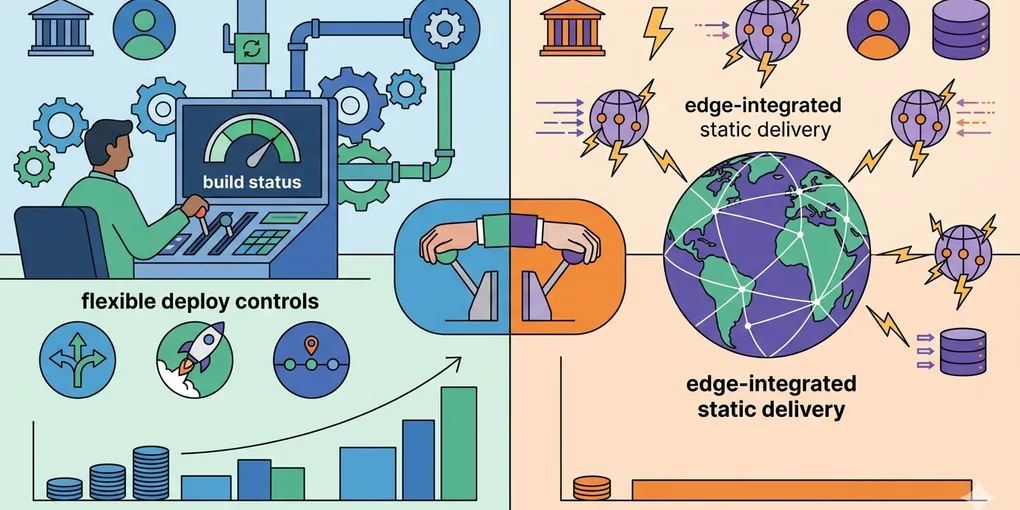
If your team needs frequent preview links, easy branch-based review, and a broad plugin ecosystem, one platform may fit better. If your workflow is already close to Cloudflare’s edge model and you care more about static delivery and adjacent edge capabilities, the other may fit more naturally.
That difference matters because the real question is not “which service has more boxes checked?” It is “which platform turns our normal deploy loop into less friction?” A platform that looks richer on paper can still be the worse operating choice if it adds review friction, makes rollback awkward, or hides the true cost of repeated deploys.
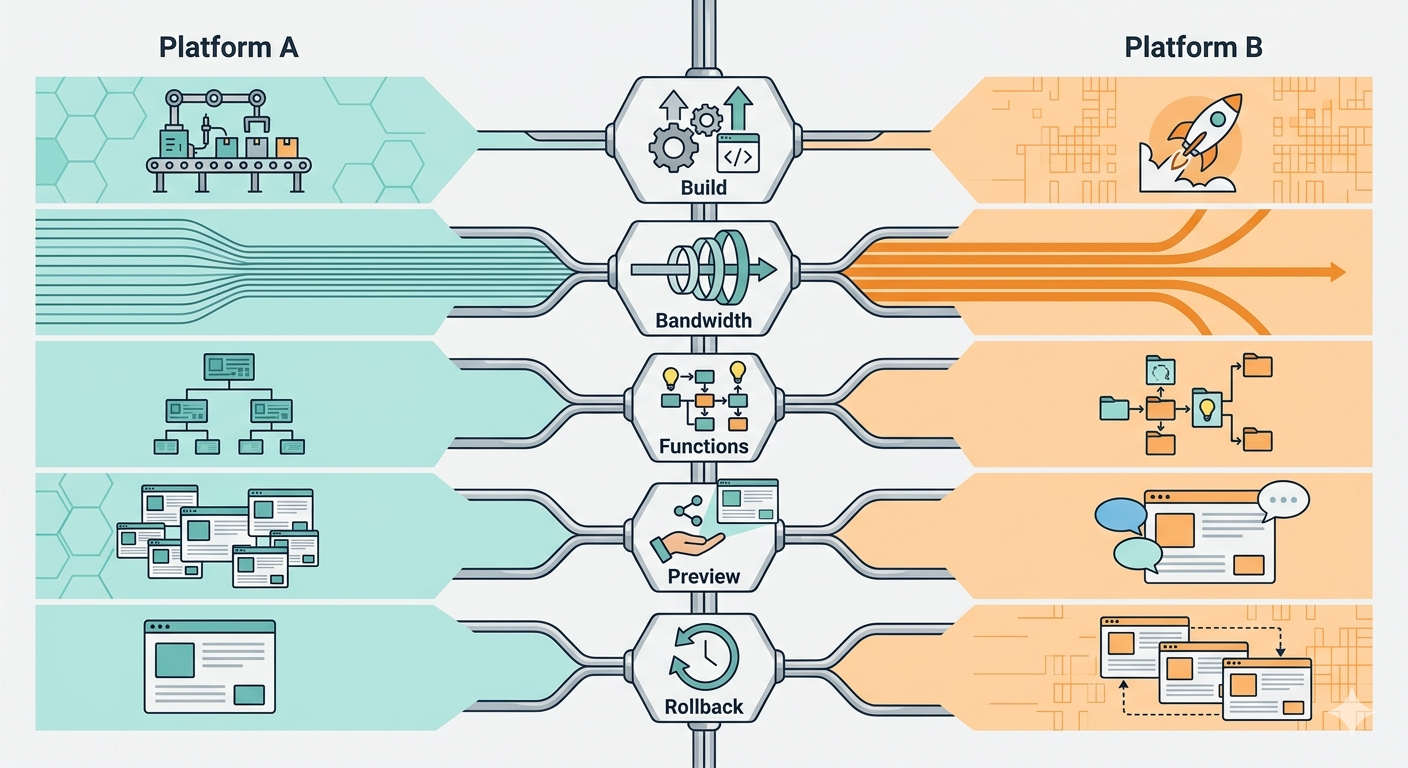
That is why cost and capability should be read together. Preview behavior changes review cost. Function model changes maintenance cost. Rollback style changes incident cost. A useful comparison treats those as one operating system, not separate bullets.
3. Compare these five axes first
- build and deploy flow
- preview and branch review behavior
- bandwidth and asset delivery shape
- functions or dynamic extension path
- rollback and recovery speed
4. One example makes the tradeoff clearer
Imagine a documentation-heavy team shipping many preview builds each week. Preview behavior and review ergonomics may matter more than raw edge integration. In that case, the “better” platform is the one that reduces review friction and hidden cost around repeated deploys.
Now imagine a static-first site already leaning into Cloudflare services. Then the surrounding edge environment, asset delivery behavior, and operational consistency may matter more than plugin breadth.
5. Do not separate rollback from cost
Teams often compare platform cost and recovery behavior separately. That is a mistake. Slow rollback, awkward recovery, or unclear preview history all carry operating cost too.
A platform that saves a little money but makes production mistakes slower to reverse may still be more expensive in practice.
What to do first
Write down your current deploy loop in one line: how often you ship, how often you review previews, whether you need functions, and how fast you need rollback. Then compare Netlify and Cloudflare Pages against that loop instead of against their marketing pages.